Projection options: Creative projection ideas for your home or event
Projection options unlock a fun way to change a space. They bring light, color, and motion without heavy decor. You can swap a boring wall for a scene in minutes. You can turn a window into a glowing canvas. You can even make images float on a gossamer net. This article gives clear, practical advice you can use right away. I keep tips short and direct so setup stays easy. Let’s jump into real ideas and tools you will actually want to try.
Picking the right projection type for your space
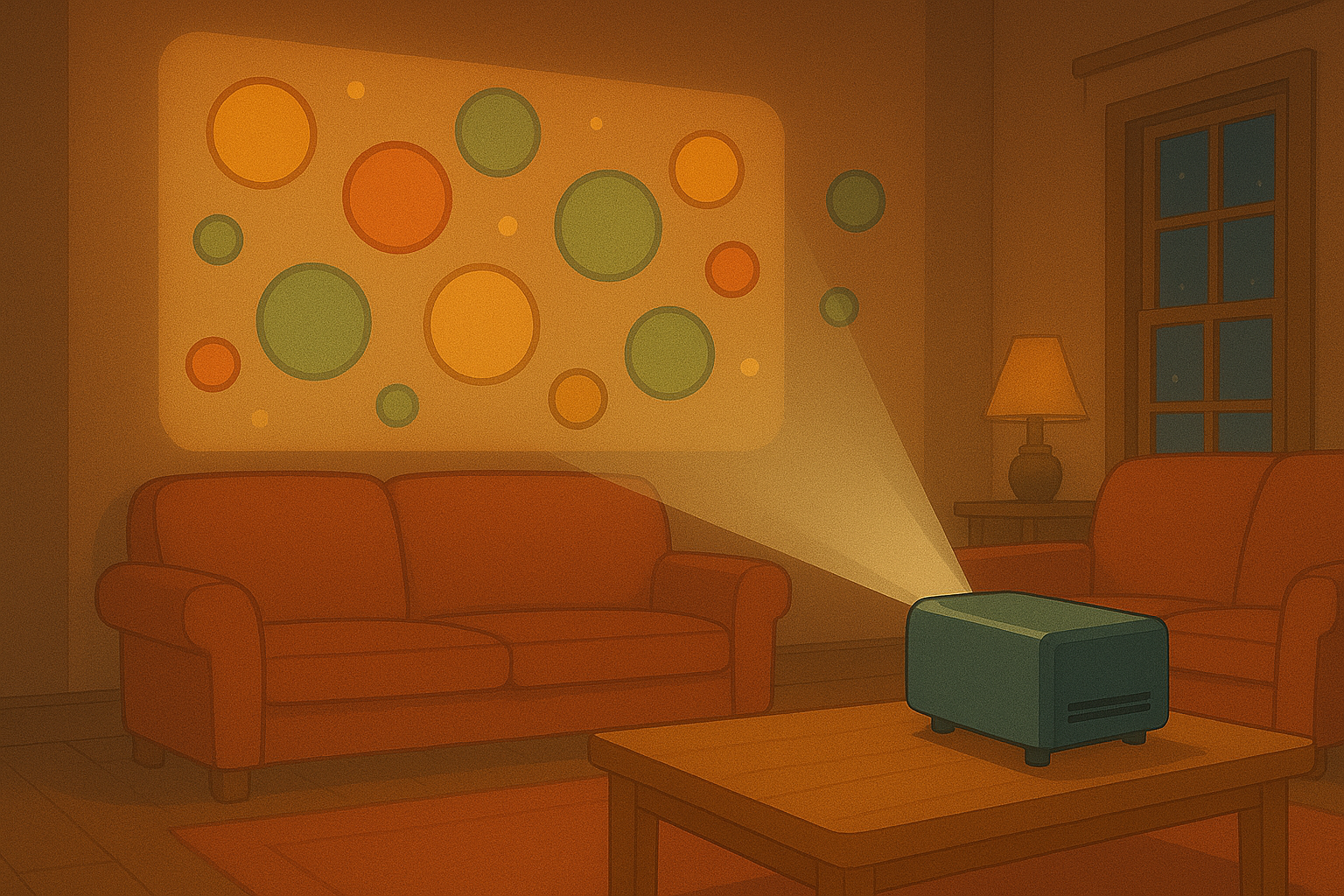
Projection options include a few clear types. Wall projection is the most classic. It works best on light, smooth surfaces. Choose a bright projector if your space has any ambient light. Window projection uses rear-projection film or translucent screens. That lets you show images outwards while keeping the room cozy. This is perfect for seasonal displays or storefronts. Floating nets are thin gauze or mesh panels. They create a dreamy, floating effect when layered with light. Use them for stage moments or a mystical corner at a party. TV view is the simplest. You play our animations on your TV via HDMI, a streaming stick, or an app. It is perfect when you want crisp motion without a projector setup. Think about distance, surface, and light when you pick a type. Measure your wall or window. Check projector throw ratios and screen size math. A small misread can make an image too big or fuzzy. If you plan outside viewing, test at night first. Each option has tradeoffs. Wall projection gives scale. Window projection gives public visibility. Nets give depth. TV view gives plug-and-play ease. Match the effect to what vibe you want.
Practical setup tips for each method
Projection options need a few core ideas to work well. First, control ambient light. The darker the room, the more vivid your image. For wall projectors, aim the projector perpendicular to the wall. Keep the lens clean and steady. Use a tripod or a fixed mount. For windows, fit rear-projection film flush and smooth. Remove bubbles and wrinkles to avoid distortions. Test from both inside and outside to check visibility. For floating nets, hang the mesh using light frames or thin wires. Make layers if you want depth. Use backlighting to give the net that hovering look. Try small fixtures behind the mesh to highlight texture. For TV view, pick the right file format and resolution. Use 1080p for most modern TVs. Use an HDMI cable for the cleanest signal. If you stream, test your connection to avoid buffering. Keep sources organized in a folder so you can swap scenes quickly. Place speakers nearby if audio matters. Finally, think about safety. Secure cables and stands. Keep projectors ventilated. Avoid heat near fabrics. A little planning makes the whole setup feel effortless.
Creative uses and simple scene ideas
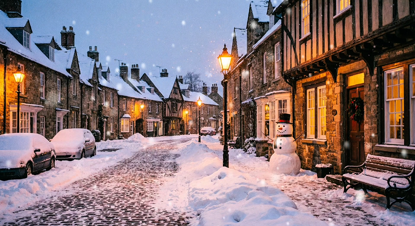
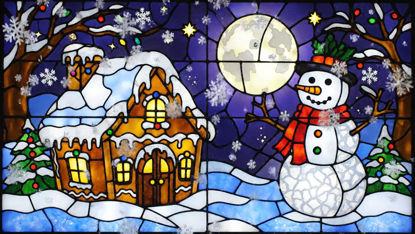
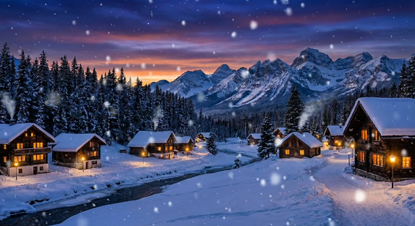
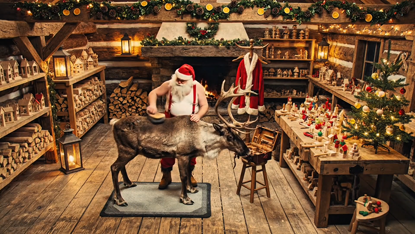
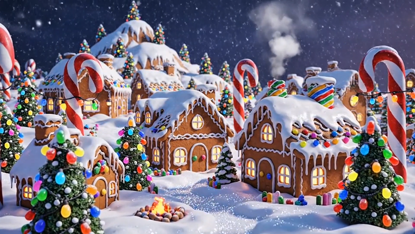
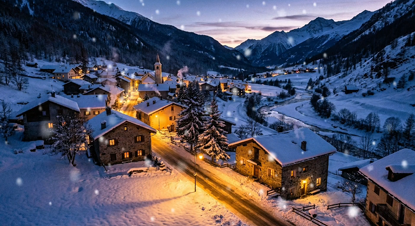
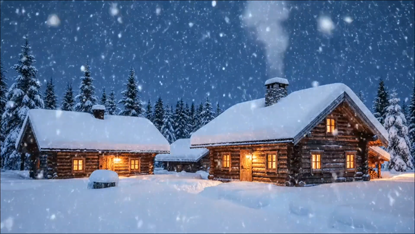
Projection options can lift many moments. For a cozy night, project slow-moving auroras on a wall. Add pillows and low light and you have an instant chill zone. For holidays, use window projection with festive animations. This works great for Advent windows or local shop fronts. For parties, float confetti and light patterns on nets above the dance area. That gives a layered, magical vibe. For retail, use large wall projections to change displays without extra stock. Show product movements or mood clips that match the season. For intimate events, use TV view to run subtle ambient loops. This keeps the focus on people, not loud screens. You can also mix types. Try a wall scene as a backdrop and small nets in front to make subjects pop. Or play matching themes across windows and TVs to tie rooms together. Keep clips short and loop them. Short loops keep files light and make the scene feel alive. Reuse assets with small edits to keep things fresh. The goal is to enhance the moment, not overpower it. Pick gentle speed, soft colors, and natural transitions for that warm, friendly glow.
Technical tips: formats, connections, and playback
Projection options ask for a few tech basics. Use MP4 H.264 files for wide compatibility. Keep frame rates at 25 or 30 fps. This avoids choppy playback on most players. For higher detail, use 1080p resolution. If you need ultra clarity, go 4K, but check your device first. For connection, HDMI is the most reliable. A streaming stick works well for wireless setups. Apps can send content from phones, but test latency. For wall projectors, check throw ratio and lumen rating. Higher lumens mean brighter images in daylight. For window films, pick media that handles sun and moisture. For nets, use projectors with good focus control and short-throw lenses if space is tight. For audio, choose small Bluetooth speakers or powered PA depending on crowd size. Label files clearly and keep a backup on a USB stick. If you run multiple devices, sync them with a simple playlist or matching timecode. Most users will want plug-and-play. Keep a one-page checklist: cables, power strips, adapter, remote, and spare bulbs. This cuts stress on setup day. Small prep makes big events go smoothly.
Troubleshooting, safety and rental tips
Projection options are fun but they need care. If the image looks washed out, cut ambient light and increase projector brightness. If the image is blurry, check focus, lens cleanliness, and keystone correction. For window setups, glare can kill contrast. Add sun shades or run the show at dusk. Always secure mounts and nets so they don’t sway or fall. Keep children and pets away from cables. For public window shows, check local rules. Some areas need permission for outward-facing displays. If you don’t want to buy gear, consider renting. Rentals give access to bright, high-end projectors for special nights. Ask the rental house about setup help and insurance. They can advise the right throw and lens. When you test before the event, bring a friend to watch from the audience view. That often reveals small fixes you missed. Finally, keep things simple for your first tries. Start with TV view or a single projector on a wall. Once you feel confident, try layered nets or multi-screen setups. Small steps make the process fun and repeatable. You will learn fast and find the projection options that suit your style and space.
Popular projections